





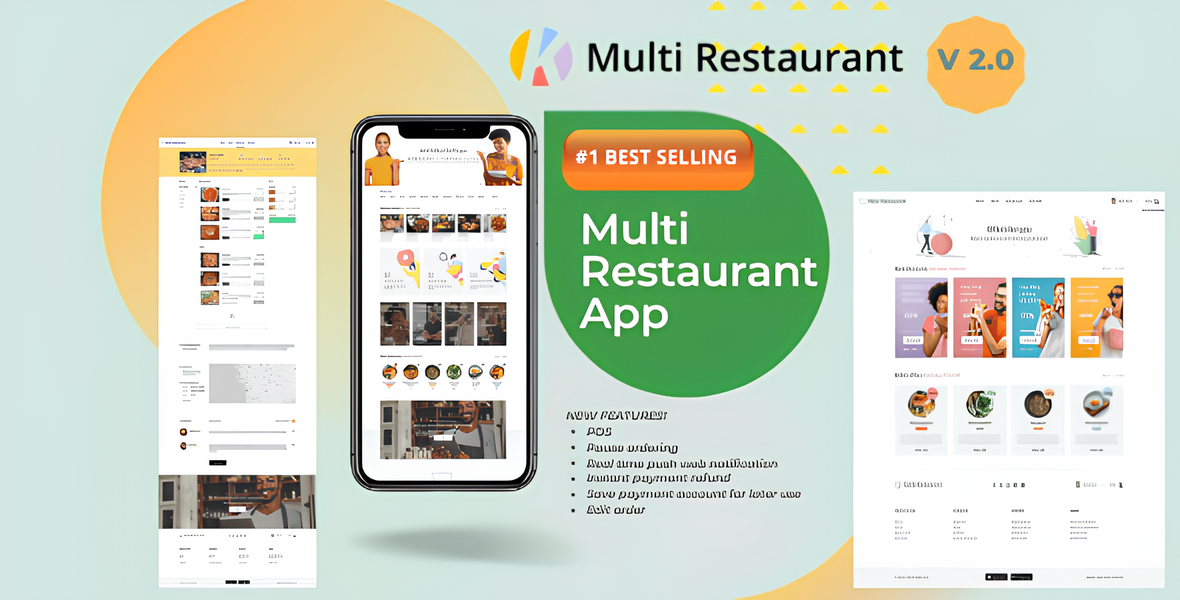
Karenderia Multiple Restaurant System (KMRS) is a comprehensive online food ordering and restaurant management platform. It enables restaurant owners to set up a multi-restaurant marketplace where customers can browse menus, place orders, and pay digitally. The system offers features such as menu management, order tracking, delivery management, customer reviews, and reporting tools. KMRS is often used by restaurant chains, food delivery services, and entrepreneurs to streamline operations and expand their reach through an online platform.
Karenderia Multiple Restaurant System is a versatile and robust online platform designed to facilitate the management and operation of multiple restaurants or food delivery businesses within a single integrated system. It provides a comprehensive suite of features that enable restaurant owners, delivery personnel, and customers to interact seamlessly, improving efficiency and enhancing the overall dining and ordering experience.
At its core, KMRS allows restaurant owners to easily manage multiple restaurant profiles, including detailed menus, pricing, promotions, and operating hours. The system supports dynamic menu management, allowing for quick updates and customization to cater to different cuisines or special offers. This flexibility helps restaurants attract a broader customer base and adapt to changing market demands.
For customers, KMRS offers a user-friendly interface where they can browse through various restaurant options, view detailed menus with images and descriptions, customize their orders, and make secure payments online. The platform supports multiple payment gateways, ensuring convenient and safe transactions. Customers can also track their orders in real-time, receive notifications, and provide reviews, fostering trust and engagement.
Delivery management is a key feature of KMRS, with built-in tools for assigning delivery personnel, calculating delivery distances, and managing delivery routes. This helps optimize delivery times and improve customer satisfaction. The system also includes robust reporting and analytics tools that give restaurant owners insights into sales performance, popular items, and customer preferences, aiding in strategic decision-making.
Features of Karenderia Multiple Restaurant System
Multi-Restaurant Management
User-Friendly Frontend Interface
Multi-Cuisine Menu Management
Easy Restaurant Registration and Onboarding
Dynamic Menu Customization
Category and Subcategory Management
Product Variations and Add-Ons
Special Offers and Discounts
Real-Time Order Tracking
Multiple Payment Gateway Integration
Secure Online Payments
Customer Reviews and Ratings
Favorite and Wishlist Features
Multi-Language Support
Multi-Currency Support
Delivery and Pickup Options
Geolocation and Distance Calculation
Automated Delivery Assignments
Delivery Route Optimization
Multiple Delivery Personnel Management
Schedule Orders and Reservations
Push Notifications for Orders and Promotions
Promo Codes and Coupon Management
Loyalty and Reward Programs
Customer Management and Profiles
Restaurant Staff Management
Order Management Dashboard
Inventory and Stock Management
Tax and Service Charge Settings
Analytics and Sales Reports
Customer Feedback and Support Ticket System
User Role and Permission Settings
Mobile-Responsive Design
SEO Optimization Features
Social Media Integration
Admin and Restaurant Panel Separation
Customizable Themes and Branding
Email Notification System
Backup and Data Security
Multi-Platform Compatibility (Web & Mobile)
API Integration for Third-Party Services
Multi-Location Support
Coupon and Voucher System
Waitlist and Queue Management
Subscription and Membership Options
Join the conversation
You can post now and register later. If you have an account, sign in now to post with your account.