





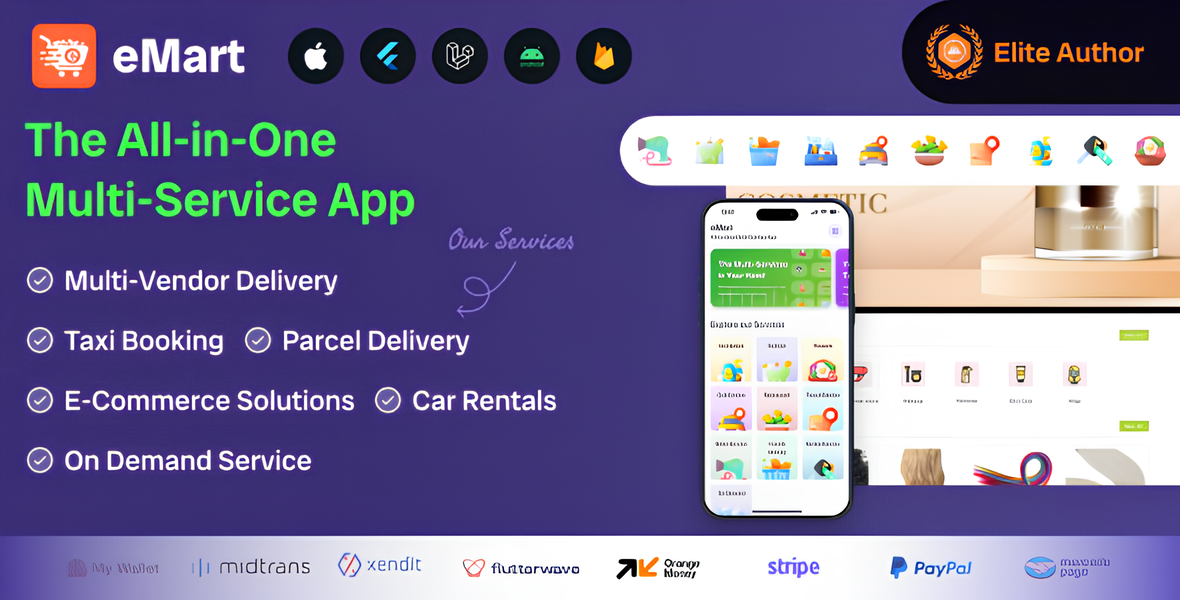
eMart is a multi-service digital marketplace that brings customers, local businesses, service providers, drivers, and delivery partners together through one platform. Instead of building separate apps for food delivery, online shopping, parcel delivery, ride-hailing, and car rental, businesses can use eMart as a central solution for offering multiple services through customer apps and a web interface, supported by management tools for vendors, providers, drivers, and administrators.
Customers can use eMart to discover nearby restaurants and shops, browse products and services, place orders, request deliveries, book rides, and reserve rental vehicles. They can manage their profiles and addresses, review order or booking details, receive status notifications, and—where enabled—track deliveries or trips. Search and category browsing help customers find relevant options, while ratings and reviews can help them make informed choices.
For food ordering, restaurants can display menus, prices, item options, and availability. Customers can select meals, customize items where supported, choose delivery or pickup when available, and follow order updates. For eCommerce, multiple vendors can manage their own storefronts and product catalogs, including descriptions, images, prices, and stock availability. This gives customers a convenient way to shop from participating businesses through one marketplace.
The platform can also support on-demand services, where customers browse service categories, review provider information, and submit booking requests. Parcel delivery features let users enter pickup and destination details and follow delivery progress. Taxi booking connects customers with drivers for requested trips, while the car rental section lets users explore available vehicles and submit reservations based on dates, pricing, and rental terms.
Vendors and service providers can use their management tools to maintain listings, update prices and availability, receive orders or booking requests, and monitor their activity. Drivers and delivery partners can receive assignments and update trip or delivery statuses. The exact tools available to each role depend on the product version and configuration.
eMart - All in One Multi-Service App Features
Customer App and Website
Customer registration and login
Social login options
Profile and contact-detail management
Multiple saved delivery addresses
Location detection and map-based address selection
Browse services by category
Search, filters, and sorting
Nearby restaurant and store discovery
Product and service detail pages
Favorites and wish lists
Shopping cart and checkout
Promo codes and discounts
Multiple payment options
Cash-on-delivery support, where enabled
Order and booking history
Live order, parcel, or ride tracking
Push notifications and status updates
Ratings and reviews
Customer support or help requests
Cancellation and refund-request workflows
Food Ordering
Restaurant listings and menus
Food item options and add-ons
Scheduled food orders
Restaurant opening hours and availability
Delivery or pickup options
Food order status updates
eCommerce Marketplace
Multiple vendor storefronts
Product catalogs with images and descriptions
Product categories and variants
Inventory and stock availability
Vendor-specific carts or order handling
Product ratings and reviews
On-Demand Services
Service-provider profiles
Service categories and descriptions
Provider availability and scheduling
Service booking requests
Booking status and history
Parcel Delivery
Pickup and destination details
Parcel size or delivery information
Delivery assignment and status updates
Parcel tracking
Taxi Booking
Pickup and drop-off selection
Ride request and driver assignment
Driver and vehicle details
Trip status and tracking
Fare display or estimate, where supported
Ride history and ratings
Car Rental
Vehicle listings and details
Rental availability and booking dates
Rental booking management
Rental terms and pricing information
Vendor, Provider, and Driver Tools
Vendor registration and profile management
Product, menu, and service management
Order and booking management
Price, availability, and schedule controls
Driver or delivery assignment tools
Earnings and transaction summaries
Notifications for new orders or requests
Join the conversation
You can post now and register later. If you have an account, sign in now to post with your account.