





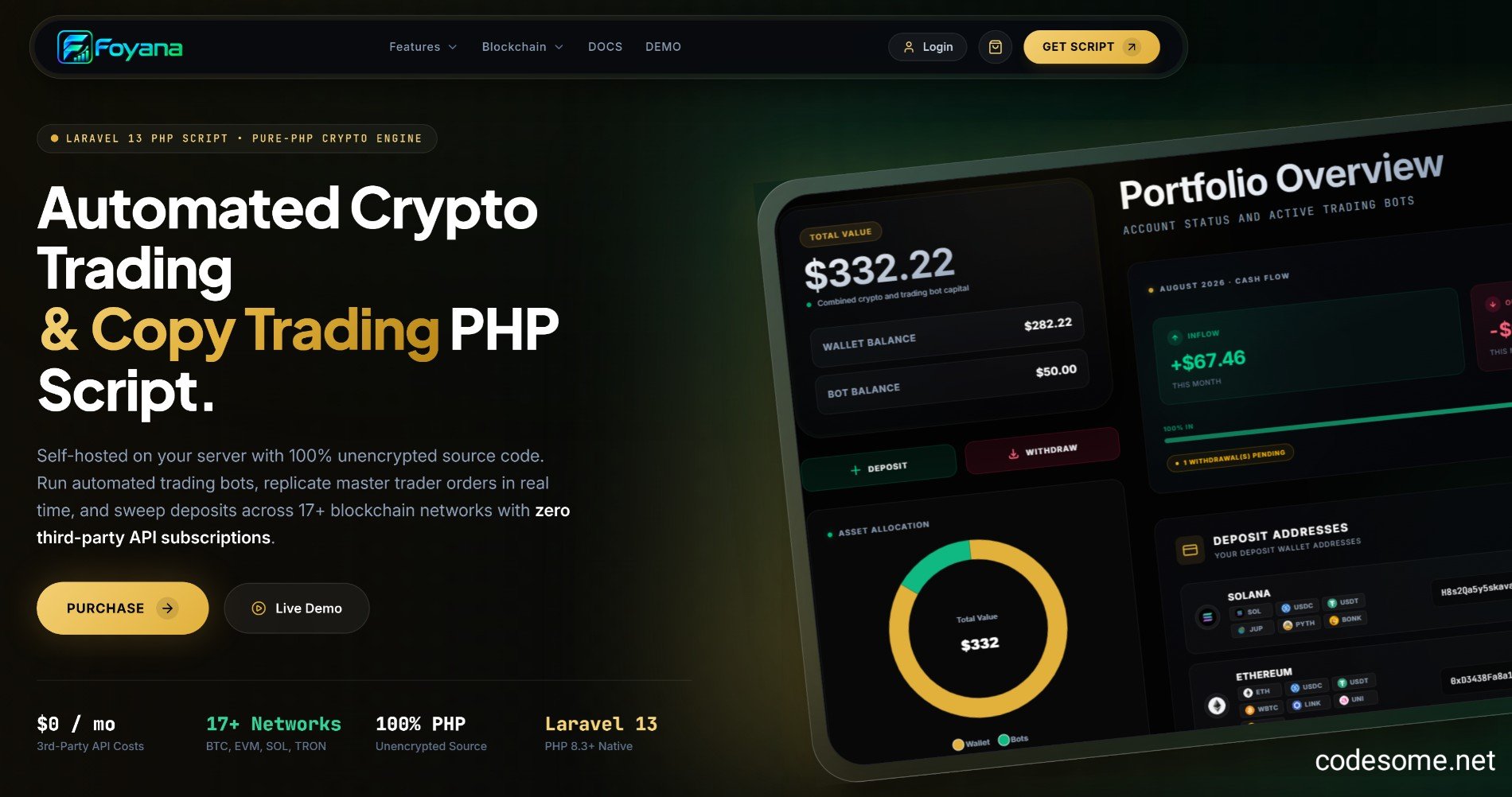
Foyana - Blockchain AI Bot Trading PHP Script is a specialized software solution designed to automate cryptocurrency trading using artificial intelligence (AI) algorithms integrated with blockchain technology. It is typically built with PHP, making it suitable for web-based platforms and trading websites. Foyana is a cutting-edge, feature-rich PHP script designed to empower entrepreneurs, traders, and developers to build their own automated cryptocurrency trading platform. Leveraging advanced artificial intelligence (AI) algorithms and seamless blockchain integration, Foyana enables users to execute smart, profitable trades across multiple digital assets with minimal manual intervention.
This Powerful Script offers a comprehensive solution for creating a fully functional crypto trading bot that can analyze market data in real-time, identify optimal trading opportunities, and execute buy or sell orders automatically on popular blockchain exchanges such as Binance, Coinbase, Kraken, and more. Its AI-driven approach ensures that trading decisions are driven by sophisticated data analysis, market trend predictions, and risk management strategies, maximizing potential profits while minimizing losses.
Designed with flexibility and security in mind, Foyana allows users to customize trading strategies, set risk parameters, and manage multiple exchange accounts through a user-friendly dashboard. The script supports a wide range of cryptocurrencies including Bitcoin, Ethereum, Ripple, and others, providing a versatile platform suitable for both novice traders and experienced algorithmic traders.
Features of Foyana - Blockchain AI Bot Trading PHP Script
Automated Cryptocurrency Trading
AI-Powered Market Analysis
Real-Time Price Monitoring
Multi-Exchange Support (Binance, Coinbase, Kraken, etc.)
Multi-Currency Support (BTC, ETH, XRP, LTC, etc.)
Customizable Trading Strategies
Backtesting and Strategy Optimization
Multiple Trading Bots & Accounts Management
Secure API Key Management
Real-Time Dashboard & Trading View
Profit & Loss Tracking
Trade History & Detailed Analytics
Risk Management & Stop-Loss/Take-Profit Settings
AI-Driven Entry & Exit Signal Generation
Auto-Scaling Trading Parameters
Dynamic Trading Volume Adjustment
Multiple Order Types Support (Market, Limit, Stop-Limit)
Trade Execution Logging & Reports
Multi-language Interface
Notification System (Email & SMS Alerts)
User Management & Role-Based Access Control
Multi-User Support
Multi-Account Management
Profit Optimization Algorithms
Stop-Loss & Take-Profit Automation
Trailing Stop-Loss & Dynamic Take-Profit
Trade Signal Visualization & Charting
AI Sentiment Analysis for Market Trends
Data Import & Export (CSV, JSON)
Multi-Exchange Arbitrage Support
Configurable Trading Frequency & Scheduling
Security Features (SSL, API Encryption)
Auto-Withdrawal & Funds Management
Demo Mode for Testing Strategies
Performance Monitoring & System Health Checks
Customizable User Interface & Theme
Webhook Integration for External Alerts
Multi-Language Support
Automatic Error Detection & Recovery
AI Model Training & Fine-Tuning
Open Source & Customizable Codebase
Comprehensive Documentation & Support
Join the conversation
You can post now and register later. If you have an account, sign in now to post with your account.