





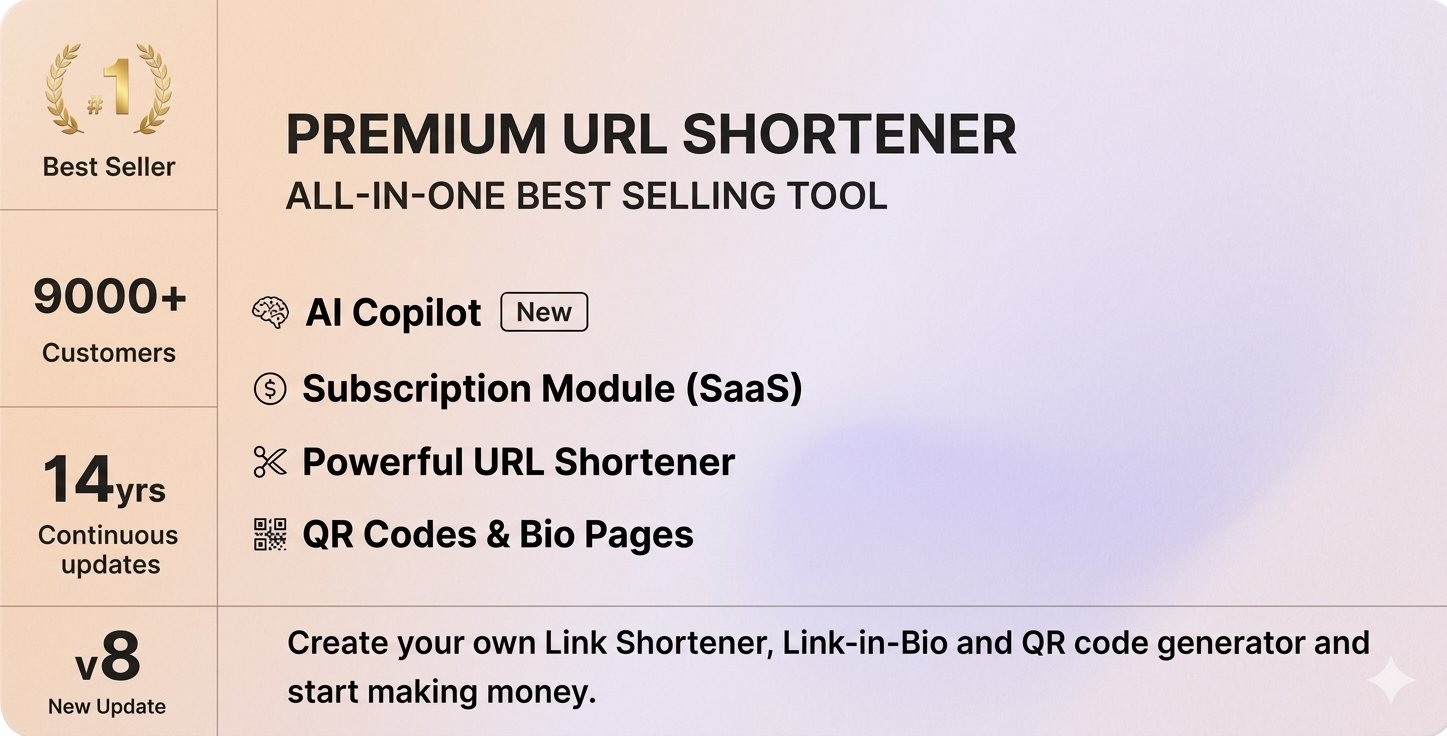
The Premium URL Shortener is an advanced, feature-rich platform designed to simplify and enhance your link management, branding, and marketing efforts. It leverages artificial intelligence to provide smart link shortening, customized bio pages, and QR code generation, making it an essential tool for marketers, content creators, and businesses aiming to maximize engagement and streamline their digital presence.
Premium URL Shortener is an innovative and comprehensive platform designed to revolutionize the way you share links, promote content, and engage with your audience. Harnessing the power of artificial intelligence, this tool offers smart, branded, and customizable URL shortening solutions that enhance your marketing efforts and strengthen your online presence.
The Platform also includes dynamic QR code generation, allowing you to create scannable codes linked to your shortened URLs or bio pages. These QR codes can be printed on posters, flyers, business cards, or displayed digitally, making offline sharing quick and seamless.
With advanced analytics and tracking, you can monitor click-through rates, geographic locations, devices used, and referral sources, giving you valuable insights into your audience’s behavior and campaign performance. You can also set expiration dates, redirect rules, or password protection for added security and control.
Premium URL Shortener Features
AI-powered link shortening for smarter URLs
Custom branded short URLs for enhanced branding
Use your own domain for URL shortening
Create personalized bio pages for multi-link sharing
Fully customizable bio landing pages
Mobile-responsive bio pages for all devicesGenerate dynamic QR codes linked to URLs or bio pages
Customizable QR codes with colors and logos
Bulk URL shortening for large campaigns
Schedule links and bio pages for future activation
UTM parameter support for detailed campaign tracking
Real-time click tracking and analytics
Geographic location insights of visitors
Device and browser data collection
Referral source tracking for campaign analysis
Link expiration date setting for limited-time offers
Redirect rules for custom URL behavior
Password protection for secure links
Link customization with vanity URLs
Auto-redirect to specific pages or content
Campaign management dashboard for easy control
Integration with social media platforms for direct sharing
API access for automation and custom workflows
Deep linking capabilities for app promotion
Custom landing pages for specific campaigns
Multiple language support for global reach
Campaign and link scheduling for timed promotions
Analytics export for detailed reporting
Click fraud detection and security measures
URL shortening with custom suffixes or keywords
Link cloning for quick campaign replication
Multiple user accounts and permissions
Integration with email marketing tools
Track conversions and user actions on bio pages
Embed media and content on bio pages
Easy-to-use drag-and-drop bio page builder
No coding required—user-friendly interface
Privacy and data security compliance
24/7 customer support and assistance
Regular platform updates with new features
Multi-platform support for web and mobile
Campaign A/B testing for optimization
Customizable call-to-action buttons on bio pages
Analytics dashboards with visual charts and graphs
White-label solutions for branding agencies
Join the conversation
You can post now and register later. If you have an account, sign in now to post with your account.